Wrench Wizard

SHOP OPERATIONS SOFTWARE

Know what needs attention before it becomes a problem.

Keep customers informed, catch issues inside repair orders, and move work from arrival to authorization. Wrench Wizard helps your team follow through throughout the day.

Built in a working shop. Modular by design.

ONE CONNECTED VIEW. À LA CARTE.Your shop. Your set of tools.

Choose the features that fit your workflow. Disable the ones you don’t need. And if something would make your day easier, request it—we’re building with our beta shops.

01 / CUSTOMER COMMUNICATIONS & COMMITMENTS

Your customer shouldn’t have to call to find out what’s happening.

The technician is diagnosing. Parts are on the way. Your advisor is handling three other customers. Work is happening—but the customer waiting at home can’t see any of it.

Regular updates give customers a chance to plan their day. Clear commitments tell them what to expect next. Both need to survive a busy counter, a shift change, and an advisor’s day off.

Keep every update and promise in view.

Wrench Wizard brings customer contact and outstanding commitments into the repair-order workflow, so your team can see who needs attention and what was promised.

  • Customers awaiting updates: See where communication needs follow-through.
  • Callbacks and completion promises: Track the commitment, deadline, and person responsible.
  • Shared context: Keep communication history and repair-order details together.
  • Shift handoffs: Carry open commitments forward when someone else takes over.
  • Management visibility: Spot overdue follow-ups before another customer has to ask.

“I’ll call you after diagnosis” should still mean something when a different advisor answers the phone.
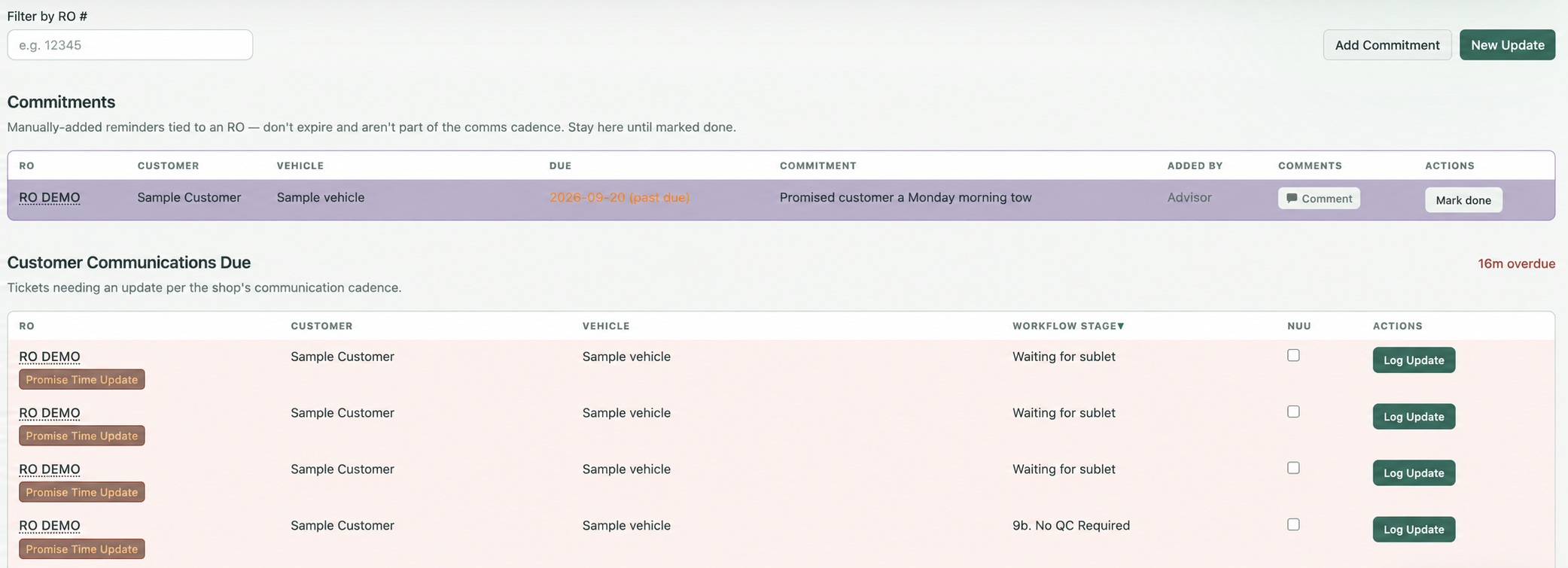
Customer communications & commitments workspace in Wrench WizardView full size ↗
Customer communications & commitmentsUpdates due and promises to keep, in one shared queue.

02 / DYNAMIC REPAIR-ORDER AUDITS

Catch the missed detail while you can still do something about it.

An inspection identifies a concern, but it never reaches the estimate. A repair recommendation has little explanation in the notes. A job falls below your margin target.

A repair-order audit checks whether the work, documentation, and estimate tell a complete, consistent story. Regular reviews help managers correct problems and coach the team. But reading through repair orders takes time—and a review after checkout may come too late to help that customer or that job.

Make review part of the repair-order lifecycle.

Wrench Wizard surfaces findings as repair orders move through the shop, helping managers focus their review where it is needed.

  • Inspection follow-through: Identify findings that may not have made it onto the estimate.
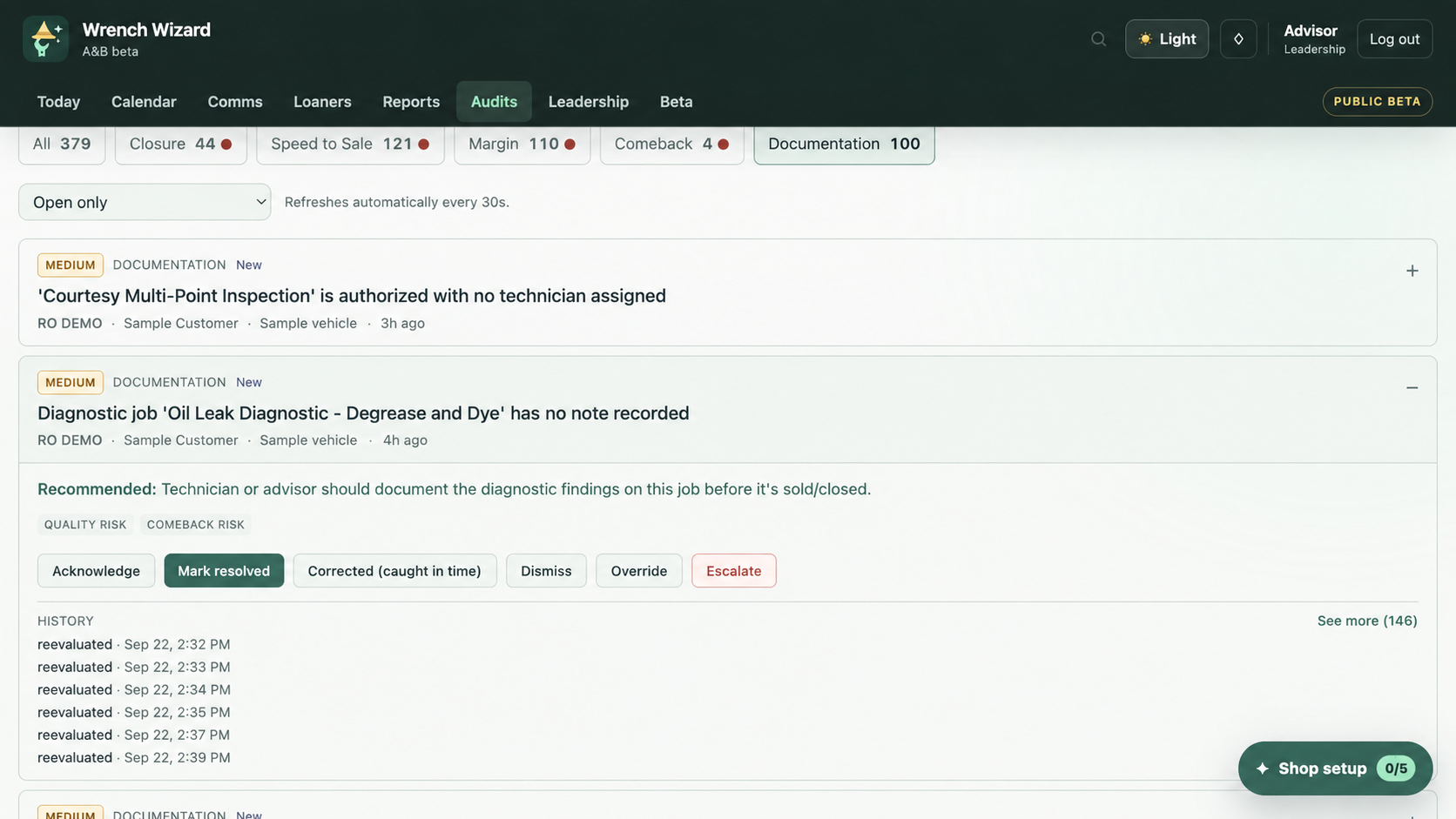
  • Diagnostic documentation: Flag notes that may not adequately support a recommendation.
  • Inspection evidence: Surface missing photos and potential inconsistencies for review.
  • Margin exceptions: Bring pricing and profitability concerns to management’s attention.
  • Unfinished work: Identify outstanding items before the repair order closes.
  • Actionable findings: Keep the concern, supporting context, severity, owner, and next step together.

Review the finding. Make the decision. Follow it through to resolution.

Dynamic repair-order audits workspace in Wrench WizardView full size ↗
Dynamic repair-order auditsFindings, evidence, and the next action—together.

03 / SPEED TO SALE

How long does ready-to-sell work wait before someone asks for the sale?

The inspection is finished. The estimate is ready. The customer hasn’t been contacted.

That waiting time can push authorization past a parts cutoff or leave a technician without the next job. A delay at the counter can become an extra day in the shop.

Tracking speed to sale makes those gaps visible: how long each step takes, where work waits, and which handoff needs attention. Improving the process starts with knowing where the time goes.

See the delay. Act on the repair order. Improve the process.

Wrench Wizard tracks the stages between arrival and authorization, helping the team address today’s delays and management recognize recurring ones.

  • Stage timing: Follow arrival, inspection, estimate preparation, and authorization.
  • Aging repair orders: Identify work sitting in the same stage without progress.
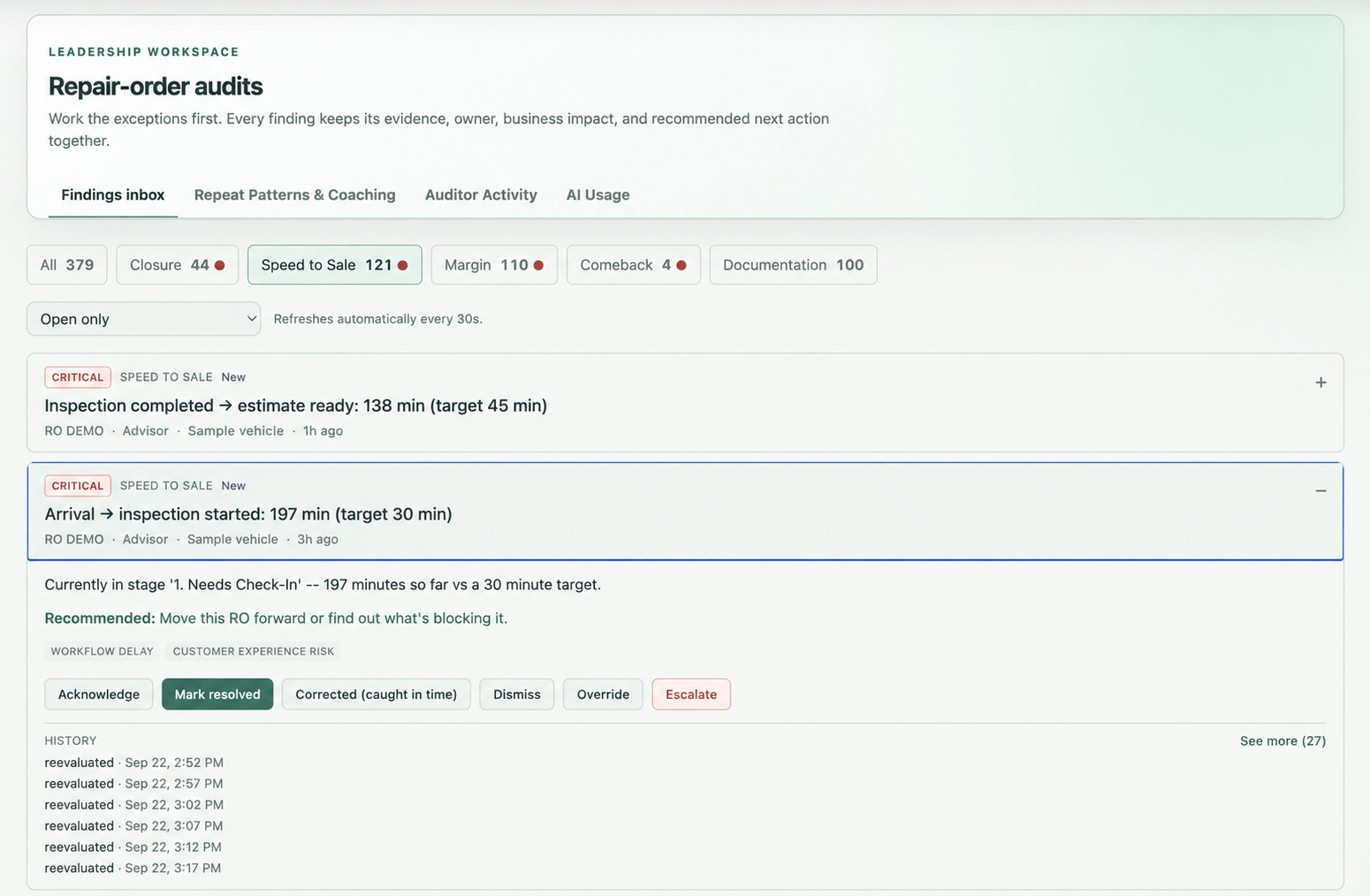
  • Timing exceptions: Surface steps taking longer than the shop’s targets.
  • Operational context: Connect the delay to the repair order and its next action.
  • Process reporting: Review recurring bottlenecks and whether changes reduce waiting time.

An estimate sitting at the counter is still waiting for a customer decision.

Speed to sale workspace in Wrench WizardView full size ↗
Speed to saleSee the missed target and the repair order that needs attention.

OPERATIONAL REPORTING

Answers you can use while they still matter.

See shipped and scheduled work, open capacity, repair-order movement, customer follow-through, and repeat process gaps without assembling the story from several systems.

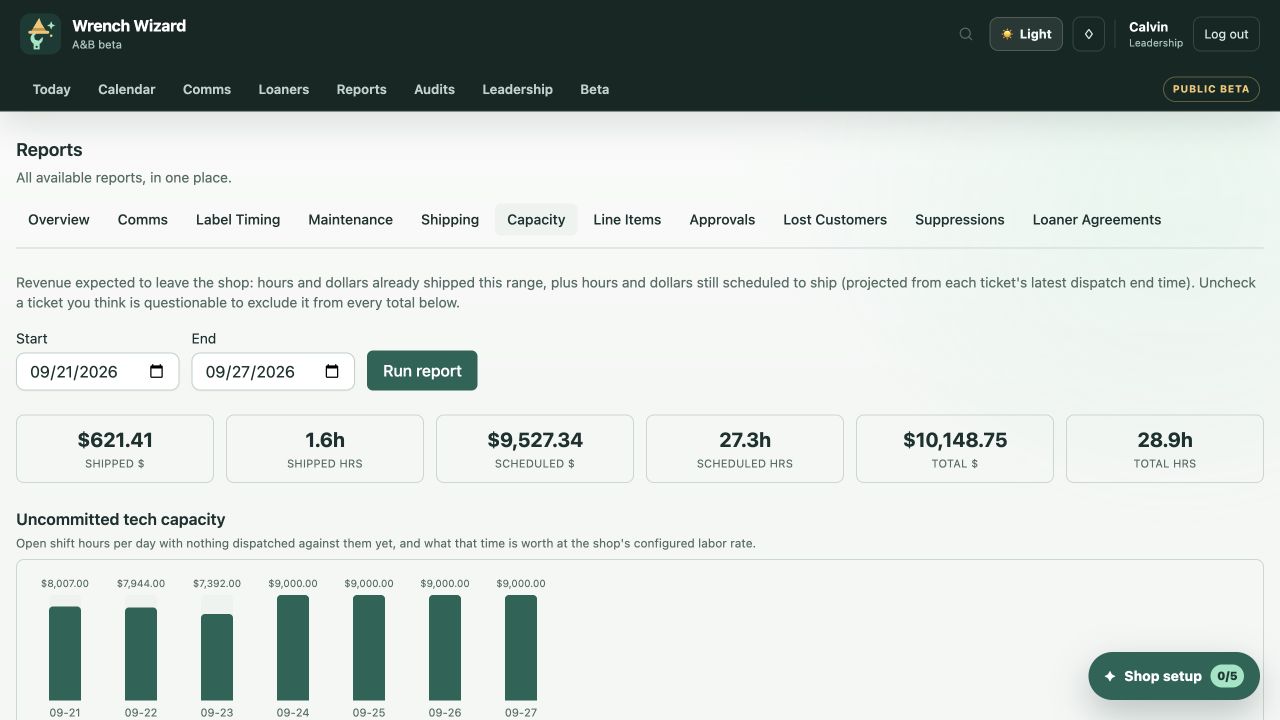
Capacity report showing shipped work, scheduled revenue, and uncommitted technician capacityView full size ↗
Capacity reportScheduled production and bookable time in the same view.

MORE TOOLS

More tools for the day-to-day.

Extend the same follow-through to loaners, team routines, customer retention, and scheduling. Enable the tools that fit your shop.

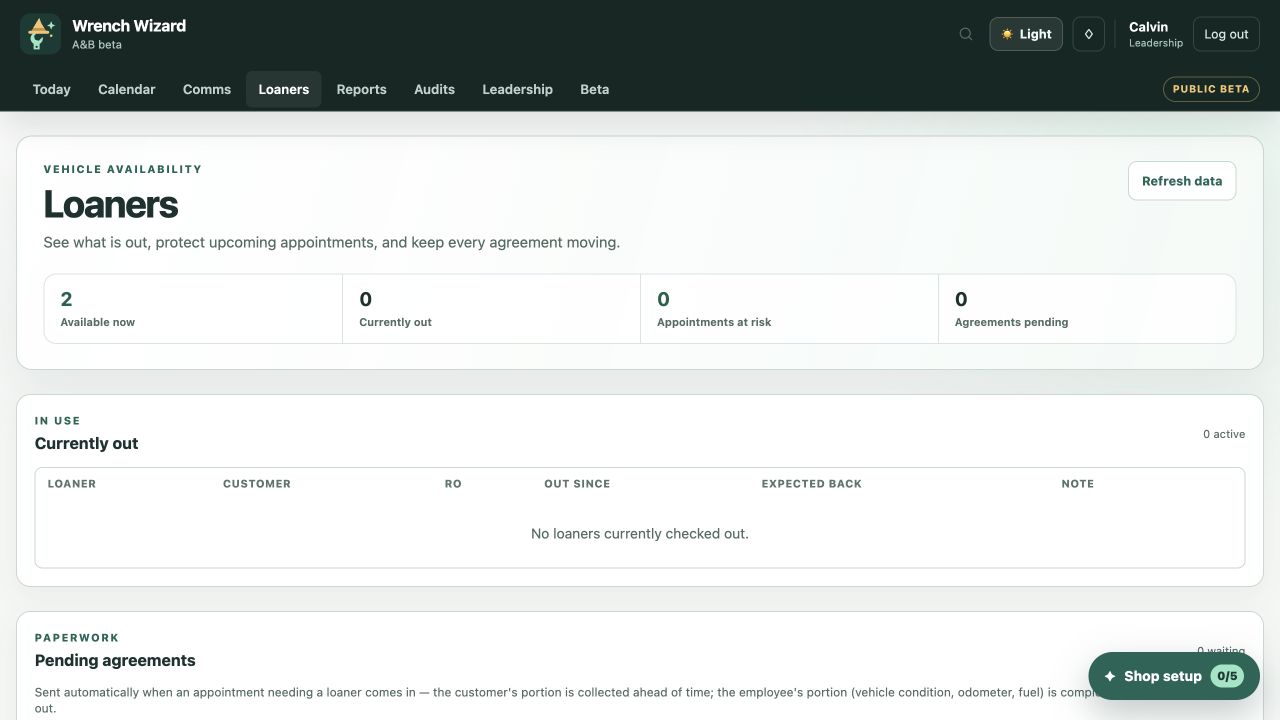
Loaner portalExpand ↗

Loaner portal

Keep availability, reservations, agreements, and return dates together, so the next handoff is ready.

Daily checklistExpand ↗

Daily scorecards & checklists

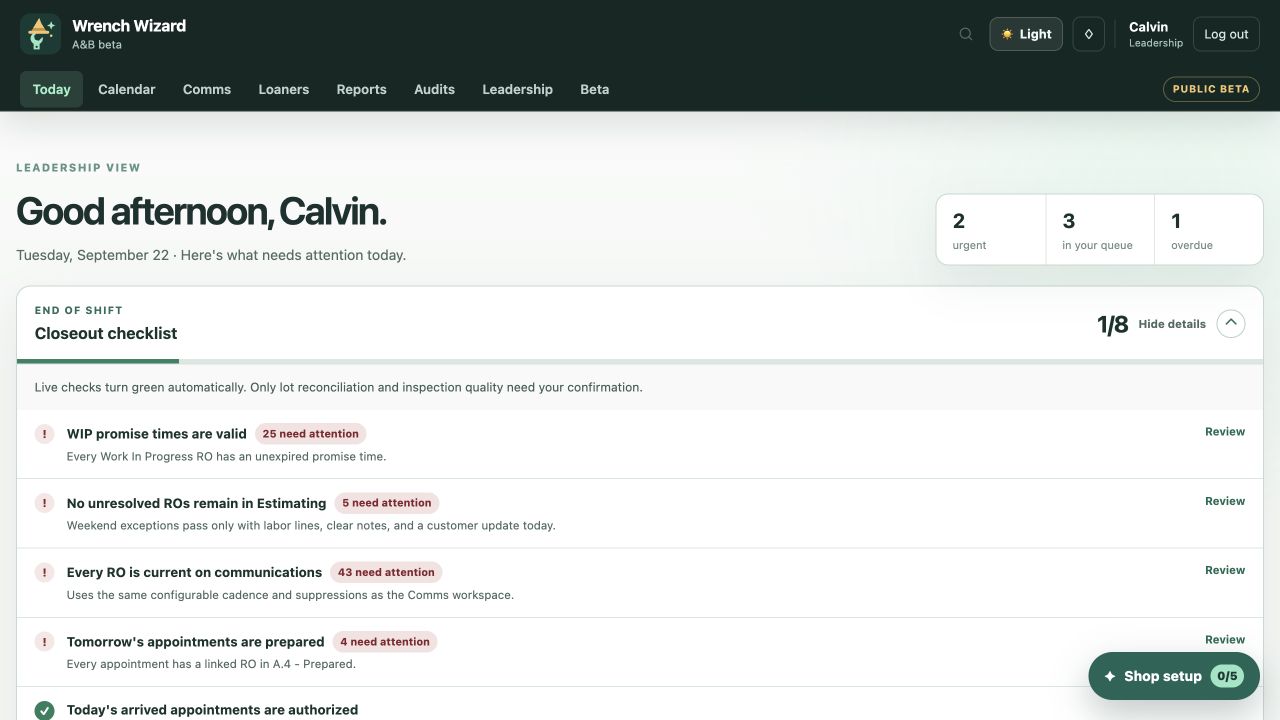
Give each team member a clear daily routine. Track results, completed checks, and items that need follow-through.

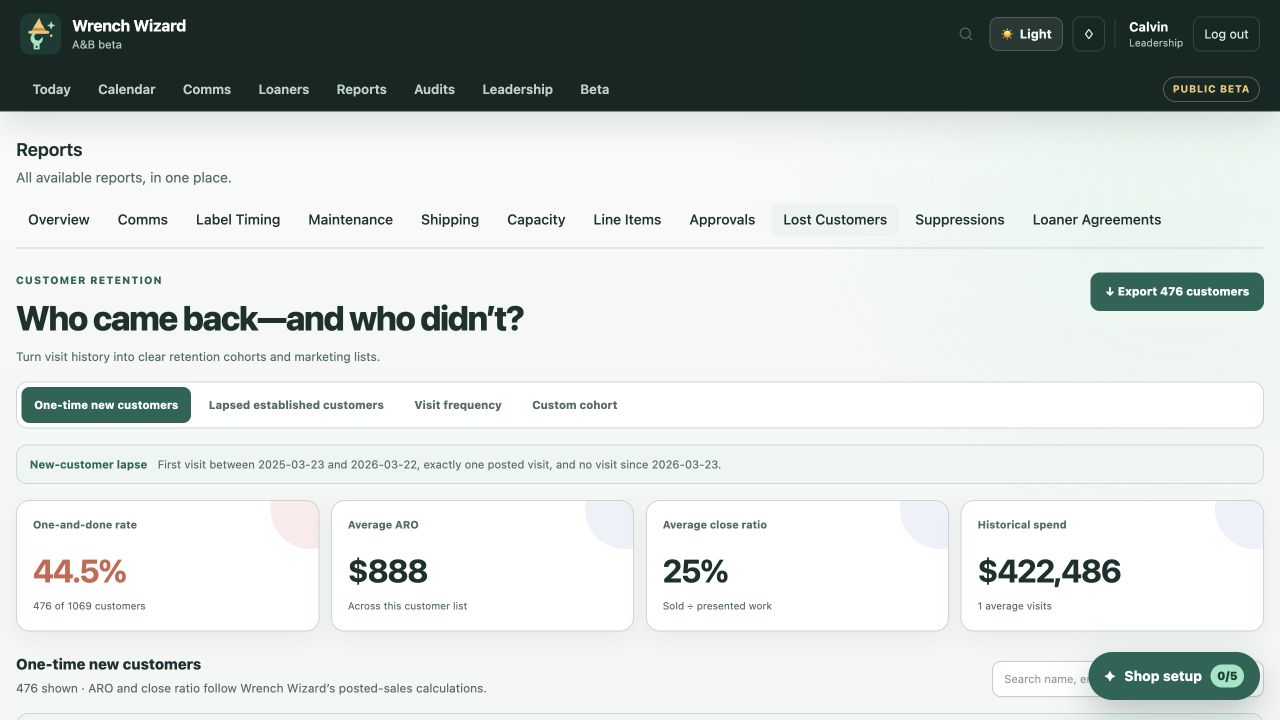
Customer retention reportExpand ↗

Visit frequency reports

See which customers return, which visited only once, and whose usual visit pattern has changed—so your team knows where to follow up.

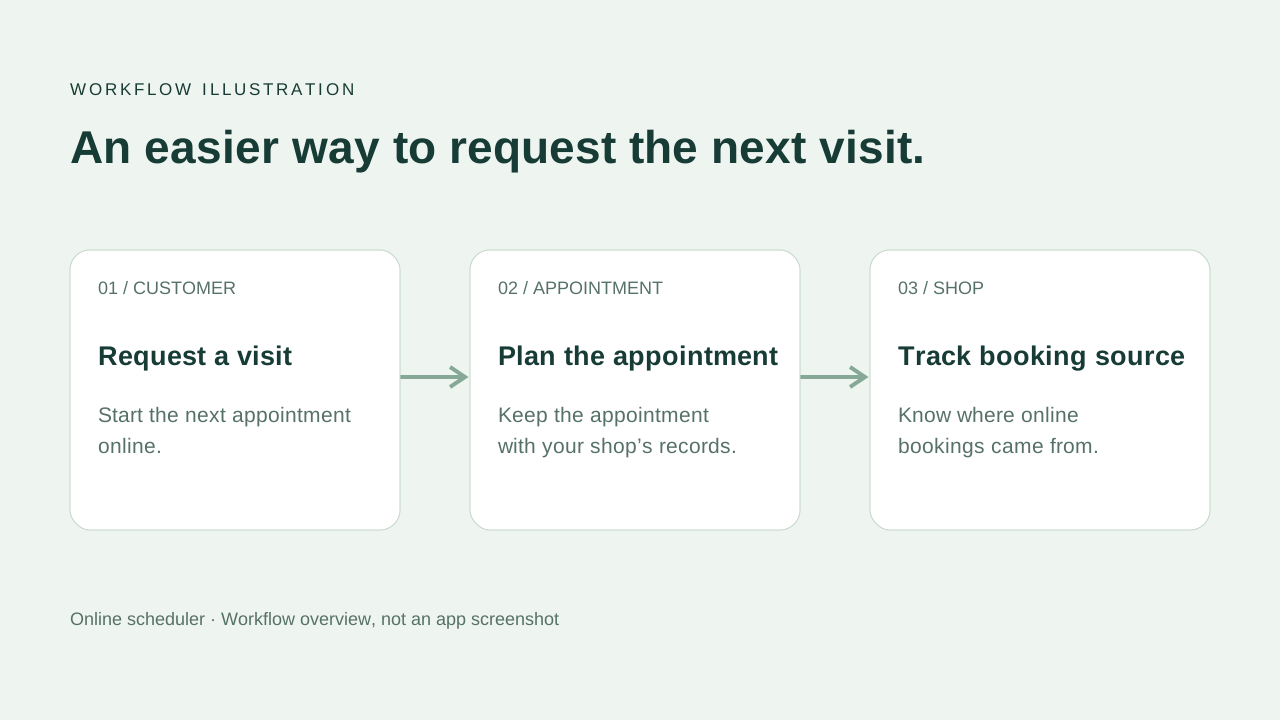
Online scheduling workflow illustration—not an app screenshotExpand ↗

Online scheduler

Let customers request their next visit online and track where bookings came from.

Capacity reportExpand ↗

Calendar dispatch & capacity

Match work to technician availability and see where the schedule has room—or needs attention.

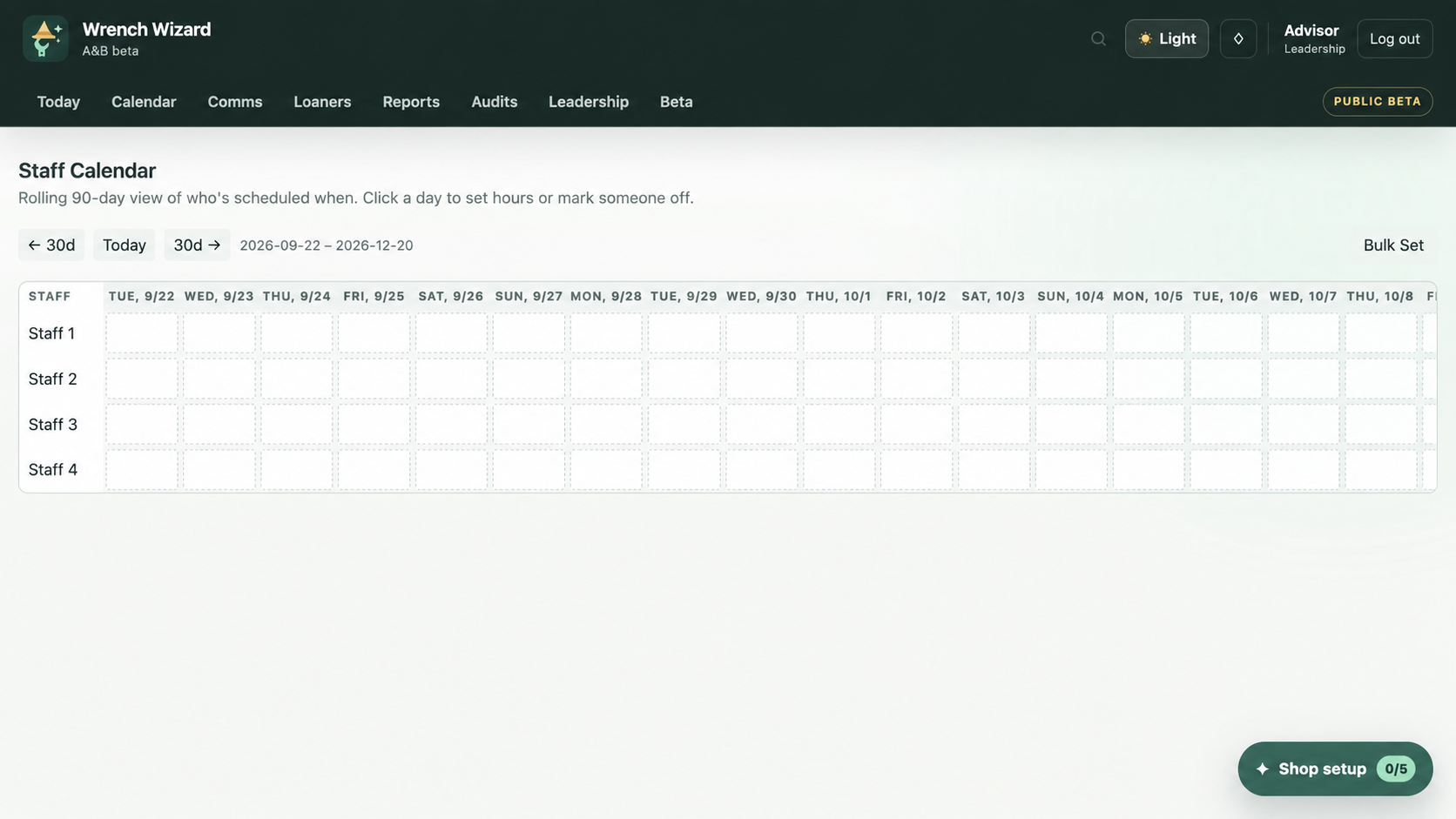
Anonymized staff calendarExpand ↗

Staff calendars

Coordinate working hours, days off, weekends, and rotating shifts so daily plans reflect who is actually there.

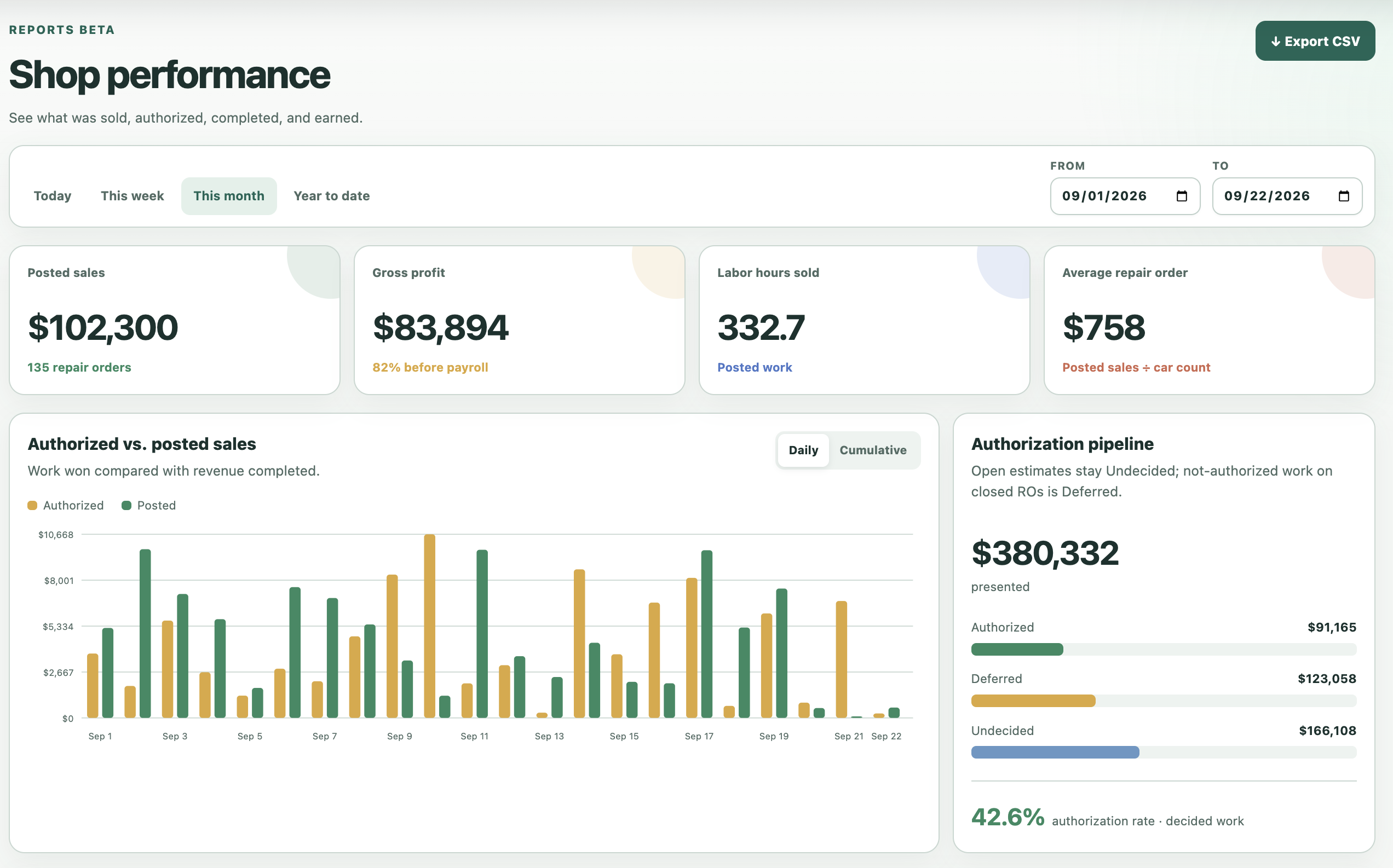
Shop performance and authorization reportingExpand ↗

Other advanced reports

Go deeper with effective labor rate (ELR) analysis, authorizations, maintenance, and capacity reporting.

  • ELR analysis
  • Authorizations
  • Maintenance
  • Capacity reporting

PRIVATE BETA

Let’s build your shop’s toolkit.

Select what interests you and tell us how your team works. We welcome feature requests from every beta shop.

Prefer email? calvin@larkspurapps.com

Required fields are marked *.

Select the features that interest you

This sends your details to Larkspur so we can respond about Wrench Wizard. Please don’t include customer information or credentials.

Can we request new features?

Yes. We welcome feature requests from every beta shop to help adapt Wrench Wizard to your workflow.

Do we have to use every module?

No. Wrench Wizard is modular, so each shop can enable the tools that belong in its workflow.

Are all advertised features available now?

Yes. Every feature advertised on this page is available to use today. Additional features are coming soon, shaped by the needs and requests of our beta shops.